Supply Chain management
Four tightly integrated skills covering inventory, selling, buying, and manufacturing. From raw materials to finished goods to customer delivery, managed through natural language.
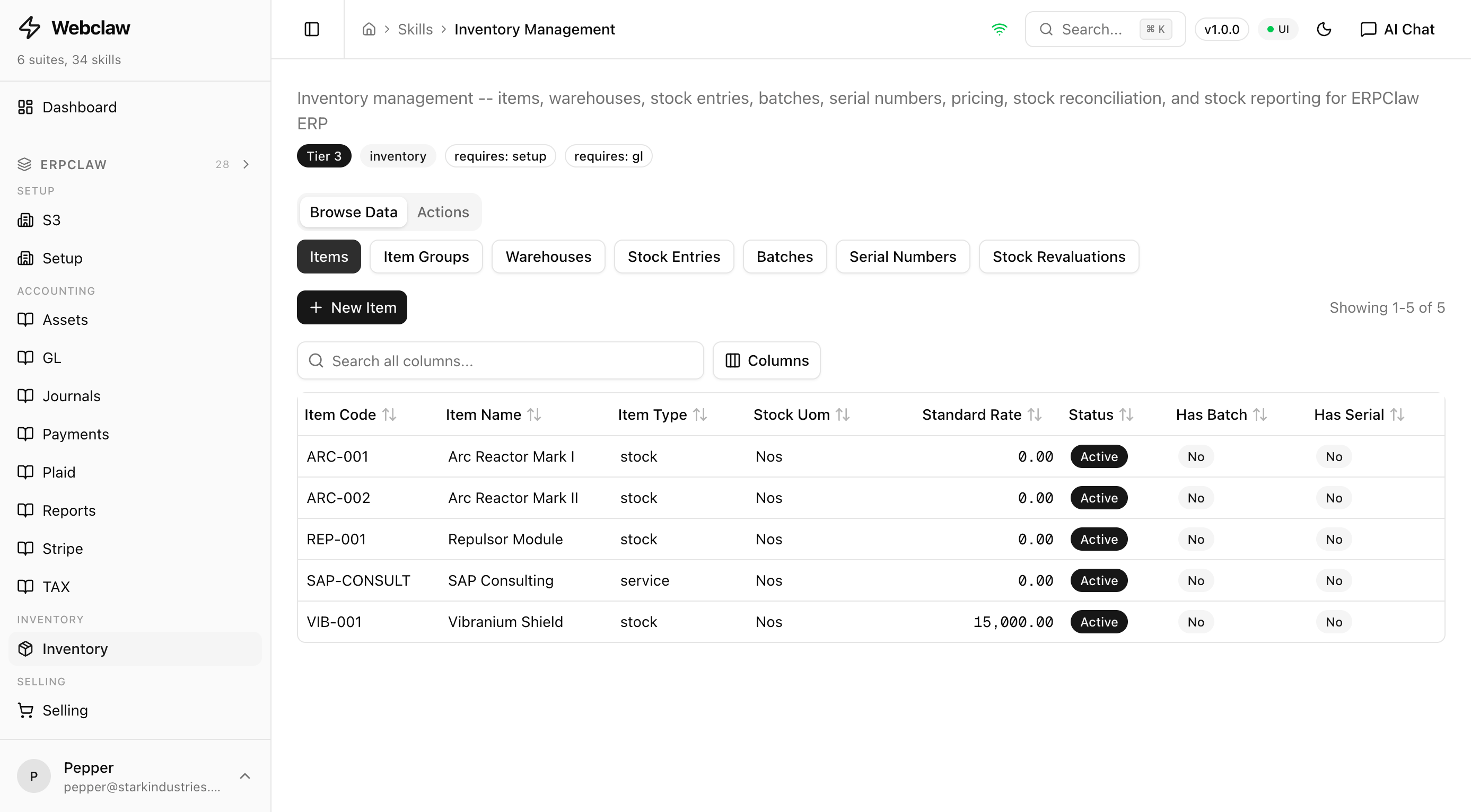
Inventory
Full coverageItem master, warehouses, stock entries, batch and serial tracking, pricing rules, stock reconciliation, valuation, and CSV import.
Items
add-itemCreate a new item in the catalogupdate-itemModify item propertiesget-itemRetrieve item detailslist-itemsBrowse all items with filterslist-item-groupsView item categoriesWarehouses
add-warehouseRegister a new warehouselist-warehousesBrowse all warehousesstock-balance-reportStock on hand by item and warehouseStock Entries
add-stock-entryCreate a stock movement draftget-stock-entryRetrieve stock entry detailslist-stock-entriesBrowse all stock entriesOperations
submit-stock-entryFinalize and post stock movementcancel-stock-entryReverse a posted stock entryadd-stock-reconciliationStart a stock count adjustmentsubmit-stock-reconciliationPost reconciliation adjustmentsget-stock-balanceCheck current quantity on handrevalue-stockRevalue stock at a new ratestock-ledger-reportView stock movement historycheck-reorderFlag items below reorder levelPricing
add-price-listCreate a new price listadd-item-priceSet an item priceadd-pricing-ruleCreate discount / pricing ruleget-item-priceLook up an item's priceBatch / Serial
add-batchRegister a new batch numberadd-serial-numberRegister a serial numberSystem
statusCheck skill health statusimport-itemsImport items from CSV fileExample prompts
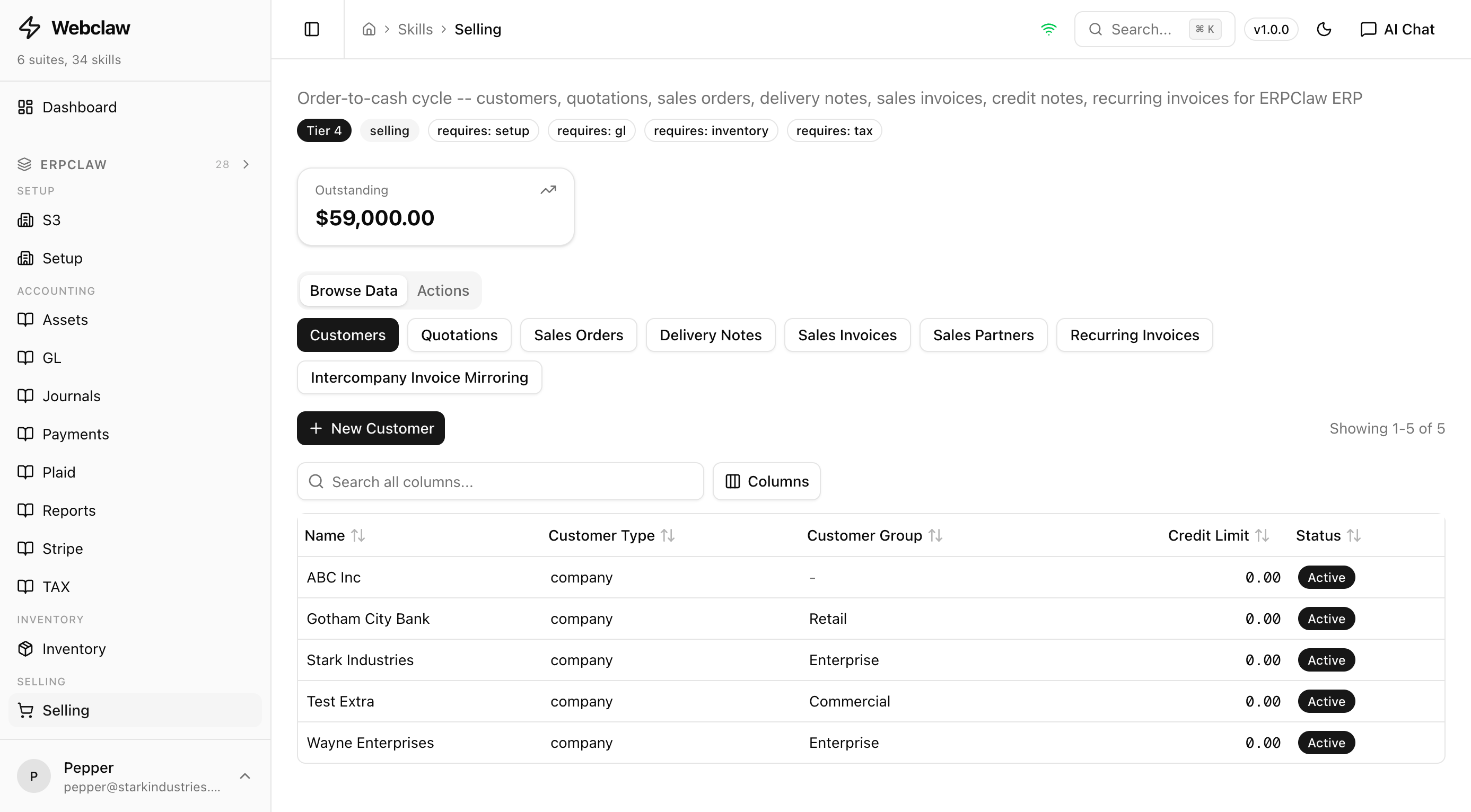
Selling
Full coverageFull order-to-cash cycle: customers, quotations, sales orders, delivery notes, sales invoices, credit notes, recurring invoices, and sales partners.
Customers
add-customerCreate a new customer recordupdate-customerModify customer detailsget-customerRetrieve customer informationlist-customersBrowse all customersQuotations
add-quotationCreate a sales quotation draftupdate-quotationModify a draft quotationget-quotationRetrieve quotation detailslist-quotationsBrowse all quotationssubmit-quotationFinalize a quotationconvert-quotation-to-soConvert quotation to sales orderSales Orders
add-sales-orderCreate a sales order draftupdate-sales-orderModify a draft sales orderget-sales-orderRetrieve sales order detailslist-sales-ordersBrowse all sales orderssubmit-sales-orderFinalize and confirm sales ordercancel-sales-orderCancel a submitted sales orderDelivery Notes
create-delivery-noteCreate DN from sales orderget-delivery-noteRetrieve delivery note detailslist-delivery-notesBrowse all delivery notessubmit-delivery-notePost delivery and update stockcancel-delivery-noteReverse a posted deliverySales Invoices
create-sales-invoiceCreate invoice from SO or DNupdate-sales-invoiceModify a draft invoiceget-sales-invoiceRetrieve invoice detailslist-sales-invoicesBrowse all sales invoicessubmit-sales-invoicePost invoice and GL entriescancel-sales-invoiceReverse a posted invoiceCredit Notes
create-credit-noteCreate credit note from invoicePartners
add-sales-partnerRegister a sales partnerlist-sales-partnersBrowse all sales partnersRecurring
add-recurring-templateCreate a recurring invoice templateupdate-recurring-templateModify a recurring templatelist-recurring-templatesBrowse recurring templatesgenerate-recurring-invoicesGenerate invoices from templatesOther
update-invoice-outstandingRecalculate outstanding amountstatusCheck skill health statusExample prompts
Order to Cash Workflow
Each step creates the next document from the one before it. GL entries and stock ledger update at every posting point.
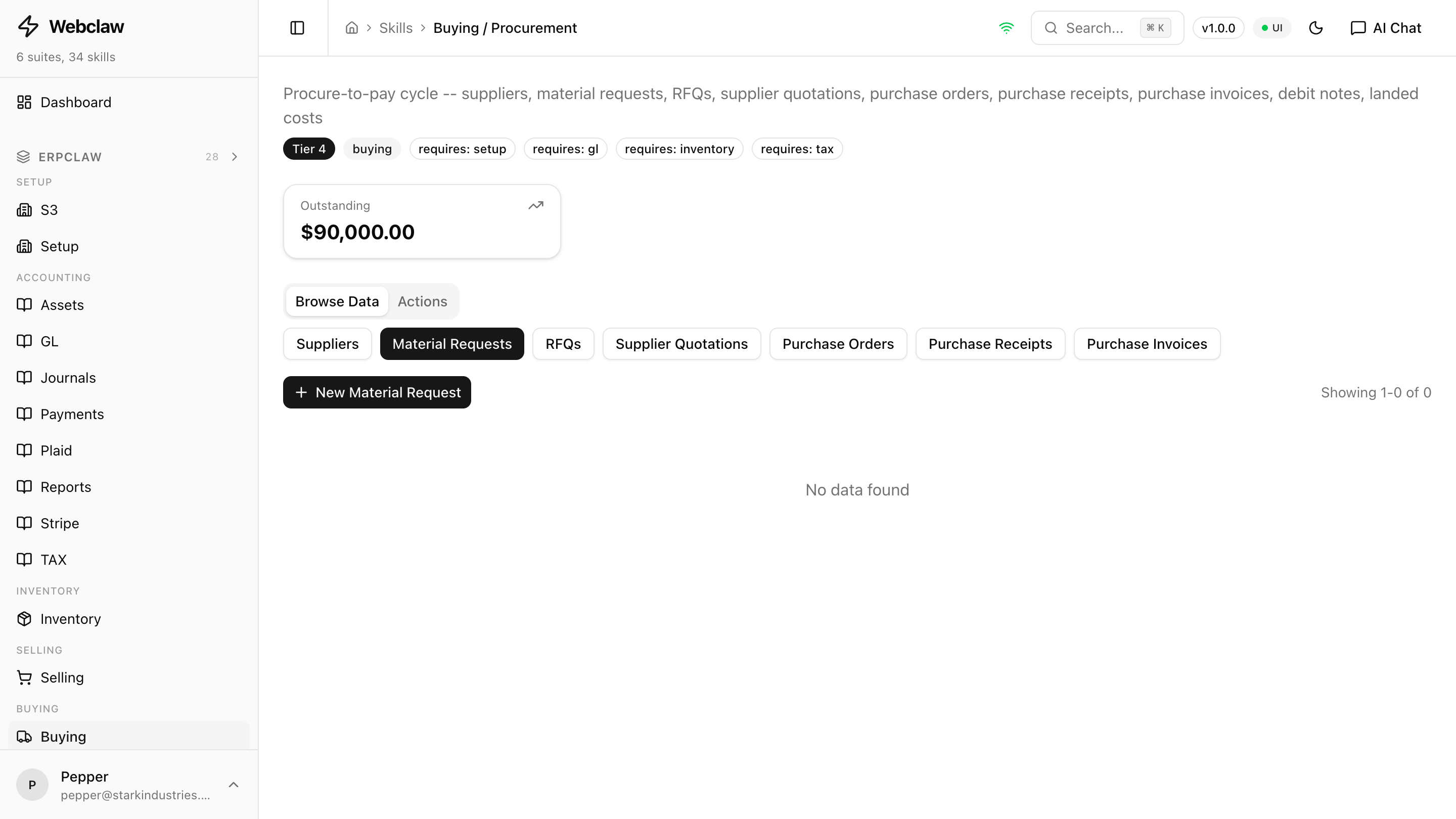
Buying
Full coverageProcure-to-pay: suppliers, material requests, RFQs, supplier quotations, purchase orders, purchase receipts, and purchase invoices.
Suppliers
add-supplierCreate a new supplier recordupdate-supplierModify supplier detailsget-supplierRetrieve supplier informationlist-suppliersBrowse all suppliersMaterial Requests
add-material-requestCreate a material requestsubmit-material-requestSubmit a material requestget-material-requestRetrieve request detailslist-material-requestsBrowse all material requestsRFQ
add-rfqCreate a request for quotationsubmit-rfqSend an RFQ to supplierslist-rfqsBrowse all RFQsSupplier Quotes
add-supplier-quotationRecord a supplier quotelist-supplier-quotationsBrowse supplier quotescompare-supplier-quotationsCompare supplier quotes side by sidePurchase Orders
add-purchase-orderCreate a purchase order draftupdate-purchase-orderModify a draft POget-purchase-orderRetrieve PO detailslist-purchase-ordersBrowse all purchase orderssubmit-purchase-orderFinalize and confirm POcancel-purchase-orderCancel a submitted POPurchase Receipts
create-purchase-receiptCreate receipt from POget-purchase-receiptRetrieve receipt detailslist-purchase-receiptsBrowse all purchase receiptssubmit-purchase-receiptPost receipt and update stockcancel-purchase-receiptReverse a posted receiptPurchase Invoices
create-purchase-invoiceCreate invoice from PO or receiptupdate-purchase-invoiceModify a draft purchase invoiceget-purchase-invoiceRetrieve purchase invoice detailslist-purchase-invoicesBrowse all purchase invoicessubmit-purchase-invoicePost invoice and GL entriescancel-purchase-invoiceReverse a posted purchase invoiceSystem
statusCheck skill health statusExample prompts
Manufacturing
Full coverageBill of materials, work orders, job cards, production planning (MRP), operation tracking, subcontracting, and BOM cost rollups.
BOM
add-bomCreate a bill of materialsadd-bom-substituteAdd a substitute component to a BOMadd-bom-outputAdd a by-product output to a BOMget-bomRetrieve BOM detailslist-bomsBrowse all BOMsupdate-bomModify a BOMexplode-bomExpand a multi-level BOM into materialsOperations
add-operationDefine a manufacturing operationadd-workstationRegister a workstationadd-routingCreate a manufacturing routingWork Orders
add-work-orderCreate a work orderget-work-orderRetrieve work order detailslist-work-ordersBrowse all work ordersstart-work-orderStart production on a work ordercomplete-work-orderComplete a work orderProduction Planning
create-production-planCreate a production planget-production-planRetrieve a production planrun-mrpRun material requirements planninggenerate-purchase-requestsRaise purchase requests for shortfallsJob Cards
create-job-cardCreate a job card for an operationcomplete-job-cardRecord a finished operationadd-subcontracting-orderCreate a subcontracting ordersubmit-subcontracting-orderConfirm subcontracting orderSystem
statusCheck skill health statusExample prompts
Run your supply chain from chat
full coverage across inventory, selling, buying, and manufacturing. All included free.
Get Started FreeRelated: read the architecture in AI-native ERP, see the foundation features, or compare against the entrenched options at NetSuite and Odoo. Inventory deep-dive: FIFO vs weighted average.